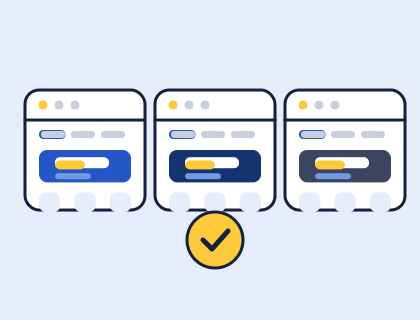
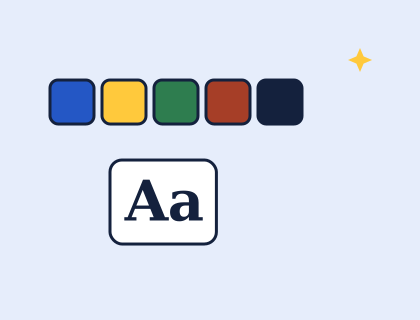
When you design a theme in our theme builder, the two biggest choices are colours and fonts. Get them right and the site feels professional with very little else. These are the rules of thumb we built into the builder.
How many colours does a website need?
Three, plus a background:
- A main colour for your header band, hero and links. Usually your brand colour.
- A button colour that stands out against the main colour, for the one action you most want visitors to take.
- A text colour: very dark, but not necessarily pure black. Deep navy, charcoal or dark green all read well and feel softer.
- A background: white or a very pale tint.
In a block theme, these live in the theme's theme.json palette, so you can adjust them later in Appearance › Editor › Styles without touching code.
How do you make sure text is readable?
Check contrast. The WCAG accessibility guidelines ask for a contrast ratio of at least 4.5:1 between normal text and its background, and 3:1 for large text (at least 18 point, or 14 point bold). In practice:
- White text needs a fairly dark main colour behind it.
- Bright yellows, pinks and light greens make good button colours with dark text, but poor backgrounds for white text.
- Pale grey text on white almost always fails.
The builder checks your custom colours against these ratios and warns you if a combination will be hard to read.
How do you choose fonts?
Use two at most: one with personality for headings and one that's easy to read for body text. Pairings that work well:
| Feel | Headings | Body text |
|---|---|---|
| Modern and friendly | Bricolage Grotesque | Figtree |
| Editorial | Fraunces | Inter |
| Classic | Playfair Display | Source Sans 3 |
| Clean | Outfit | Outfit |
| Warm | Lora | Work Sans |
| Techy | Space Grotesk | Inter |
These are the six pairings in the builder. All are free fonts under the SIL Open Font Licence, and the builder bundles them inside your theme, so your site doesn't need to load them from Google.
Match the feel to your audience
- Trades and services: strong blues or greens with a bright button, and a sturdy sans-serif.
- Cafes and restaurants: warm terracotta, olive or teal, with a serif for headings.
- Charities and clubs: friendly, high-contrast colours and clear, large text.
- Portfolios: let your work provide the colour: charcoal and one accent.
Try it
Open the theme builder, try a few combinations in the live preview, and switch to the phone view to check how they feel on a small screen.